How to Use MEKs
Get started in just a few minutes and power up your TikTok live streams with MEKs.
Download Manual PDFQUICK START GUIDE

Download & install
Download the MEKs installer (.exe) for Windows and run it. Setup takes under a minute.

Enter activation code
Open the app, enter your activation code, and your subscription unlocks immediately.

Connect & go live
Enter your TikTok channel name, choose a mode, and hit Start Collecting.
CHOOSE YOUR LIVE MODE
MEKs supports multiple competition formats.
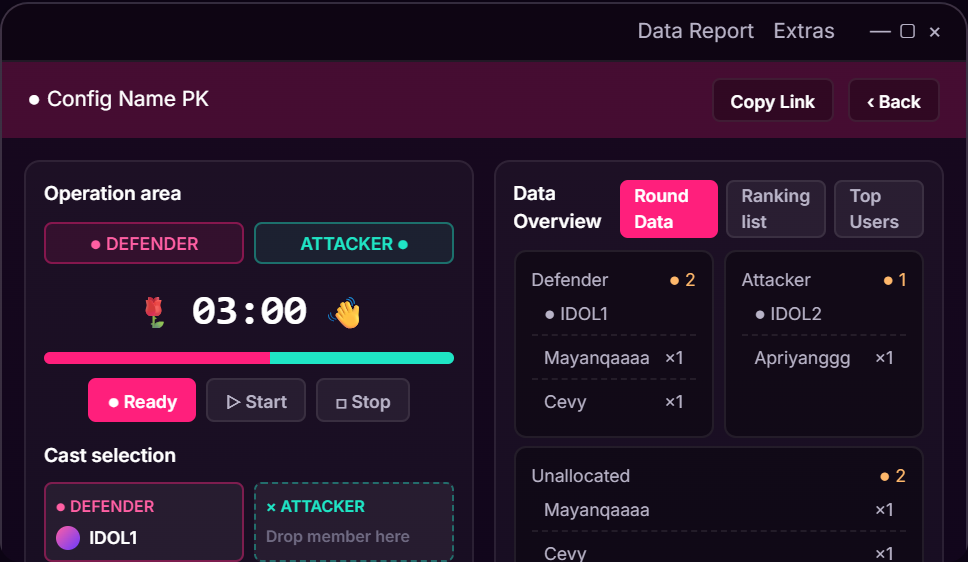
PK Mode
Run exciting one-on-one live battles with real-time score tracking and rankings.
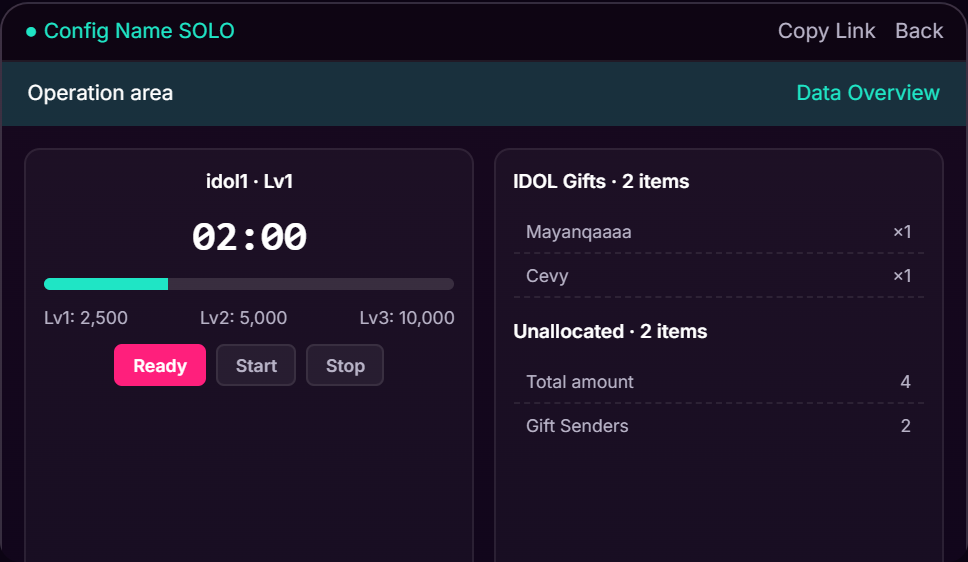
Solo Mode
Track goals, gifts and performance during individual live streams.
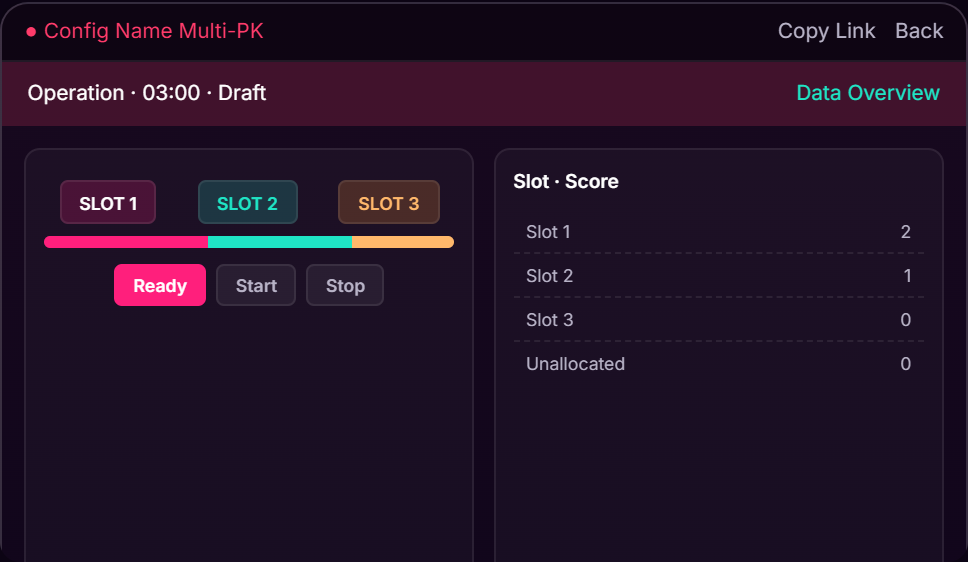
Multi-PK Mode
Manage multiple participants and compare rankings from one dashboard.
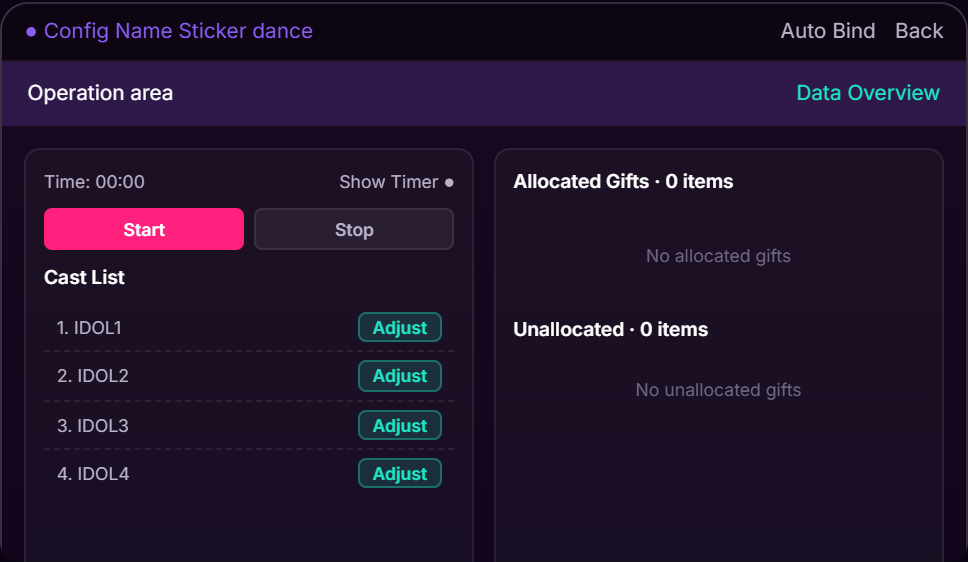
Sticker Dance Mode
Create interactive gift events with real-time animations and overlays.
EXTRA FEATURES
Open Extras in the app and pick a tab. Each one gives you an overlay link to add to OBS as a browser source.
Skin
A profile border for each host.
- Add a slot and choose a skin.
- Set the photo, TikTok name, title and message.
- Copy the slot's link into OBS.
Member Animation
An animated welcome when a member enters.
- Create a group and add your cast, or set a gifter level range.
- Choose the animation and its welcome text.
- Add the overlay link to OBS. It plays when a member joins.
Special Sticker
A sticker grid that reacts to gifts.
- Create a preset and set its columns and rows.
- Choose the gift for each cell.
- Copy the link into OBS. A cell animates when its gift arrives.
Top Likers
A leaderboard of who likes the most.
- Connect to your live.
- Set how many ranks to show.
- Copy the overlay link into OBS.
Comment Vote
A vote your viewers cast in the chat.
- Create a vote and give each option a keyword or a gift.
- Set how it ends: a time limit or a target score.
- Copy the overlay link into OBS, then press Start.
Wheel
A lucky wheel that picks a winner.
- Create a wheel and type its entries, or let viewers join by keyword or gift.
- Copy the overlay link into OBS.
- Press Spin.
Card Draw
A deck of cards you draw from on stream.
- Create a deck and add cards with text and pictures.
- Copy the overlay link into OBS.
- Press Open, then Show, then Draw.
ANALYTICS & REPORTS
Monitor performance and export data after every event.

Live Analytics
Track gifts, coins, rankings and participant performance in real time.

Reports & Export
Export competition results, gift records and statistics after each session.
NEED DETAILED INSTRUCTIONS?
Download the complete MEKs User Manual for detailed setup instructions, configuration guides and advanced tips.
Download Manual PDF